RTX 50-Series Tested • 1440p Ultra
FiveM & GTA V
Double DLSS 5 X2
Master the ultimate graphics upgrade. Learn how to install, set up, and optimize Double DLSS 5 for GTA V Enhanced and FiveM with maximum visual fidelity and stability.
Direct Downloads
Required files, mods & presets
Tested PC Specs
Hardware configuration for 1440p Ultra
GPU
NVIDIA GeForce RTX 5070 Ti
CPU
AMD Ryzen 9 9950X3D
RAM
64GB DDR5
Optimized Profile
1440p Ultra
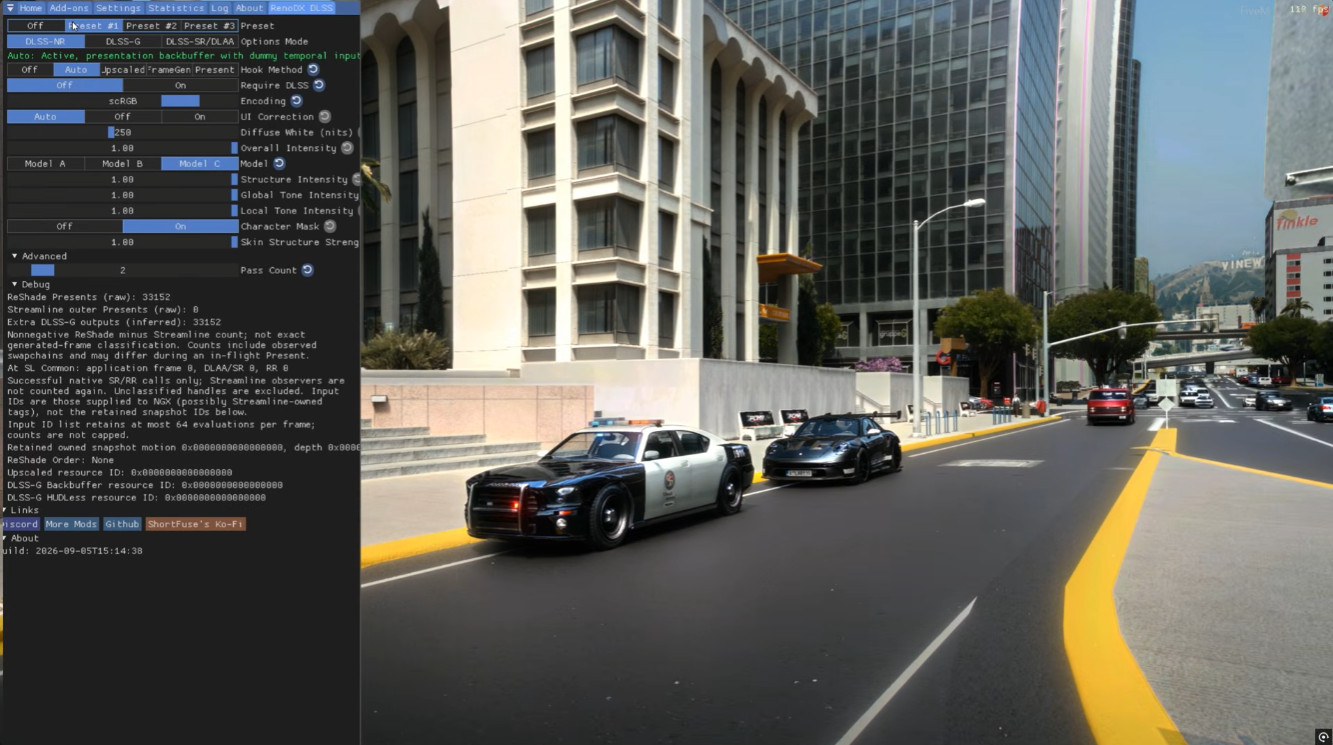
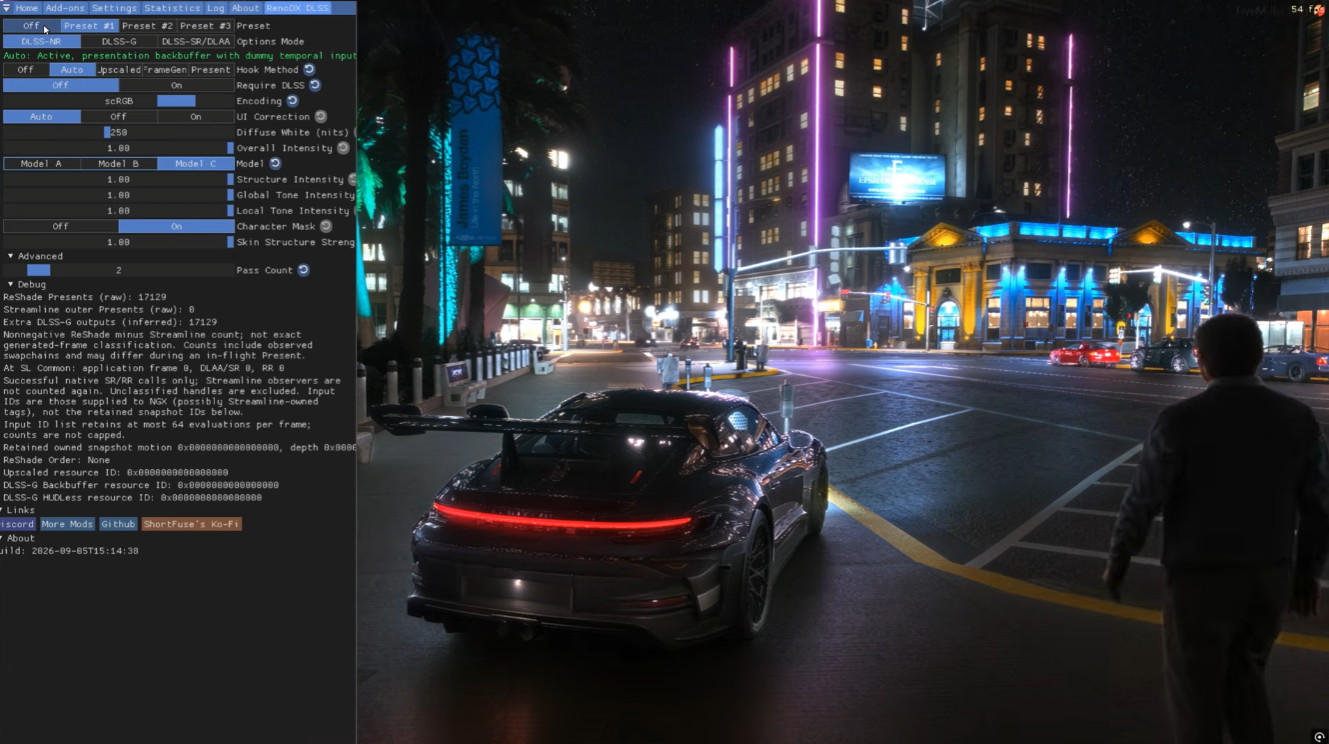
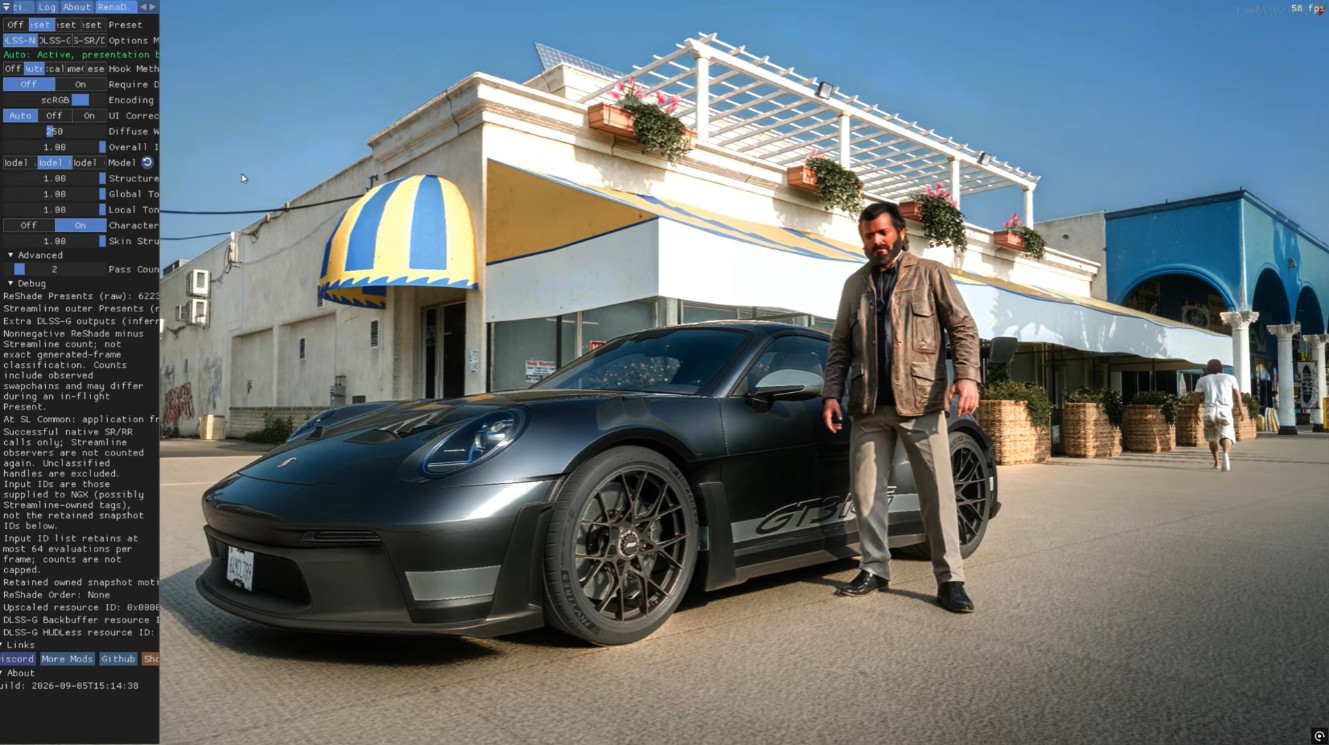
Gameplay & Visual Showcases
Troubleshooting & Stability Guide
Remember to turn on DLSS directly in your in-game graphic settings before applying double injection.
GPU Driver Crashes: If you experience unexpected device removal or driver timeouts, make sure you perform a clean installation of the latest NVIDIA drivers using DDU (Display Driver Uninstaller).
ReShade Overlay: Press your assigned hotkey (default usually `Home`) to bring up the configuration UI once in-game to toggle V8 preset effects.